About the Introduction to Computers Course
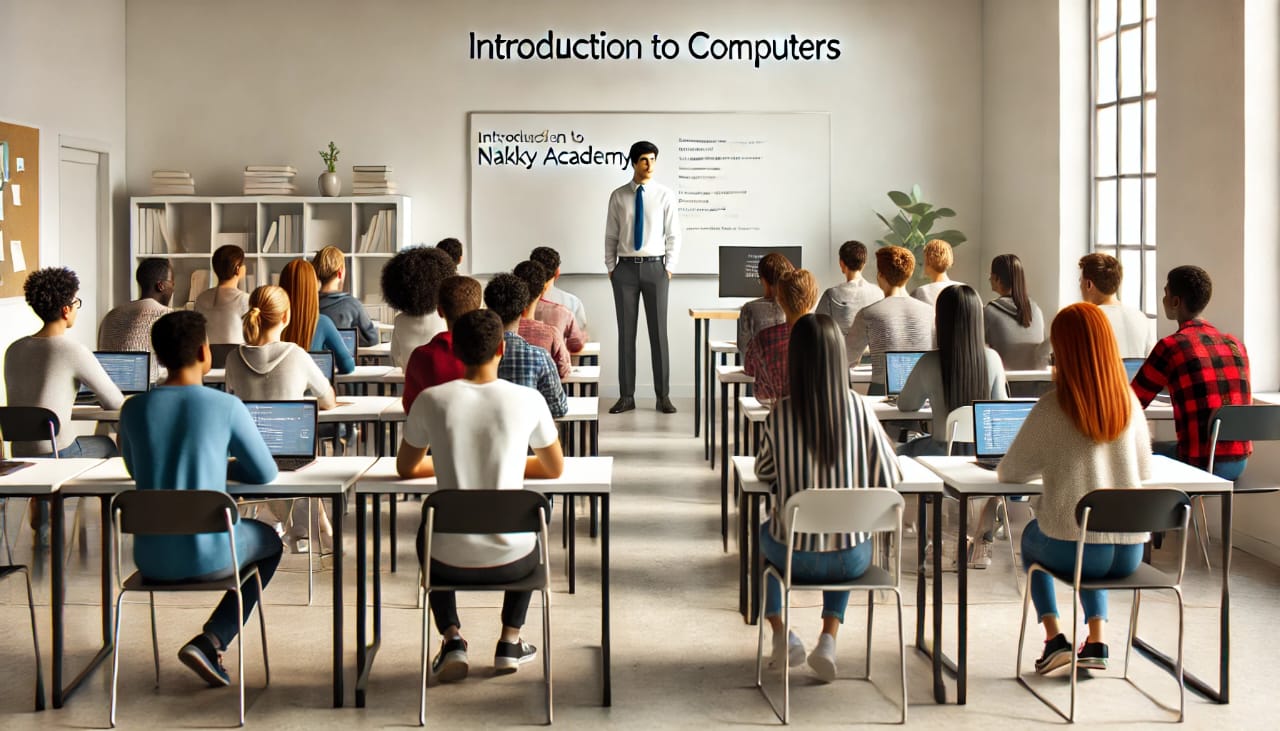
This course is designed for beginners who want to learn the basics of using a computer. Whether you're looking to improve your skills for personal use, study, or work, this course provides the foundation you need to build confidence in navigating the digital world.
Benefits of Taking an Introduction to Computers Course
- Skill Development: Learn essential computer skills, including using a keyboard, mouse, and basic software applications.
- Improved Job Opportunities: Gain skills that are essential for many entry-level jobs.
- Personal Empowerment: Feel confident using technology for everyday tasks like sending emails, browsing the internet, and creating documents.
- Foundation for Further Learning: Build the basic knowledge needed to explore advanced computer skills, such as coding or graphic design.
- Flexibility: Learn at your own pace, with practical exercises tailored to your needs.
Who Can Take This Course?
This course is suitable for:
- Beginners: No prior experience with computers is needed.
- All Ages: Anyone from teenagers to seniors can benefit from this course.
- Job Seekers: Those looking to improve their employability in a technology-driven world.
- Students: Individuals who want to enhance their study skills with computer literacy.
Frequently Asked Questions
- 1. Do I need any prior experience with computers?
- No, this course is designed for complete beginners.
- 2. What will I learn in the course?
- You’ll learn the basics, including:
- Turning a computer on and off.
- Using a keyboard and mouse.
- Navigating the desktop.
- Understanding basic software like Word, Excel, and email applications.
- 3. How long is the course?
- The course duration is 36 hours, depending on the program schedule.
- 4. Do I need my own computer to enroll?
- No, but having one at home can help you practice.
- 5. Can I use these skills for online work?
- Yes! The course covers foundational skills that are essential for online jobs, research, and communication.